Select Entity Types for a Web Page
Use this workflow to set one or more wl_entity_type values on a post or page.
Block Editor (Gutenberg)
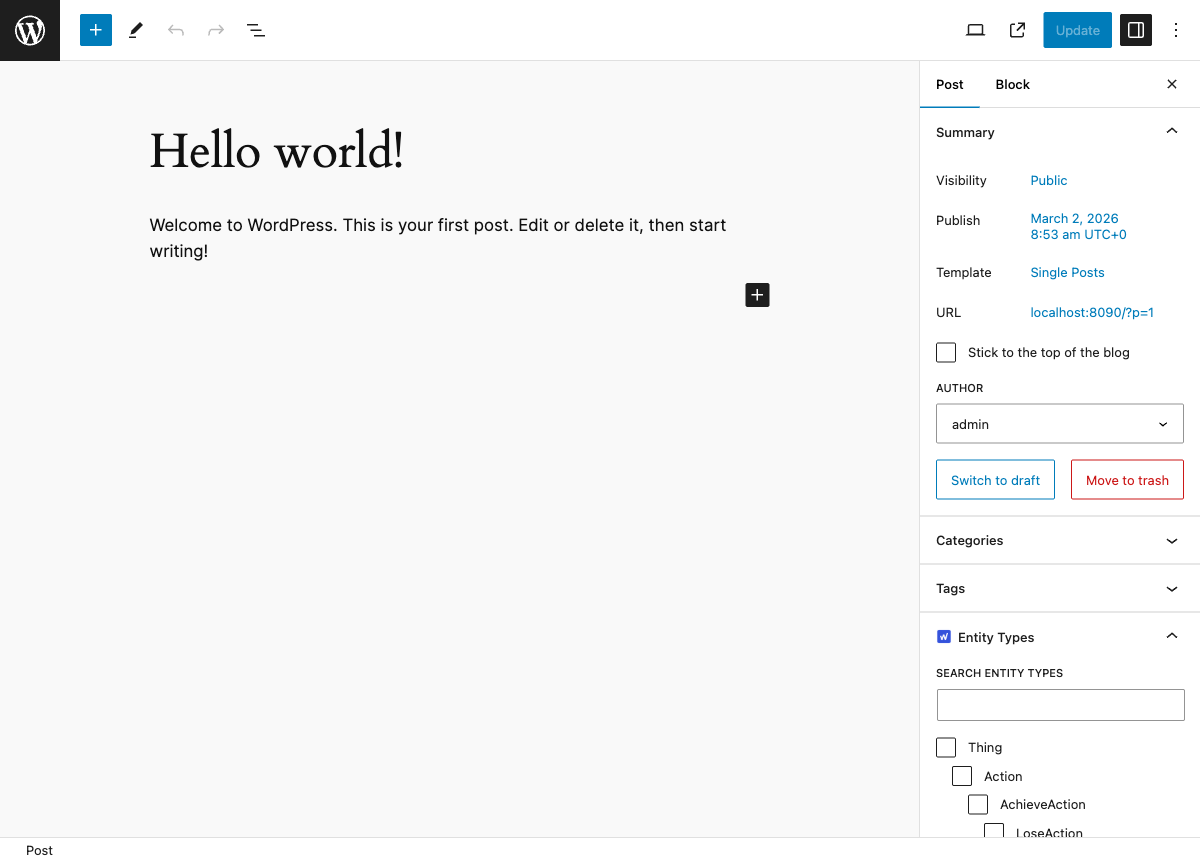
- Open a post or page in the block editor.
- In the right sidebar, open Entity Types.
- Use the Selected, All, Most Used, and A-Z tabs to find types.
- Check one or more entity types.
- Click Update (or Publish) to save.
Classic Editor
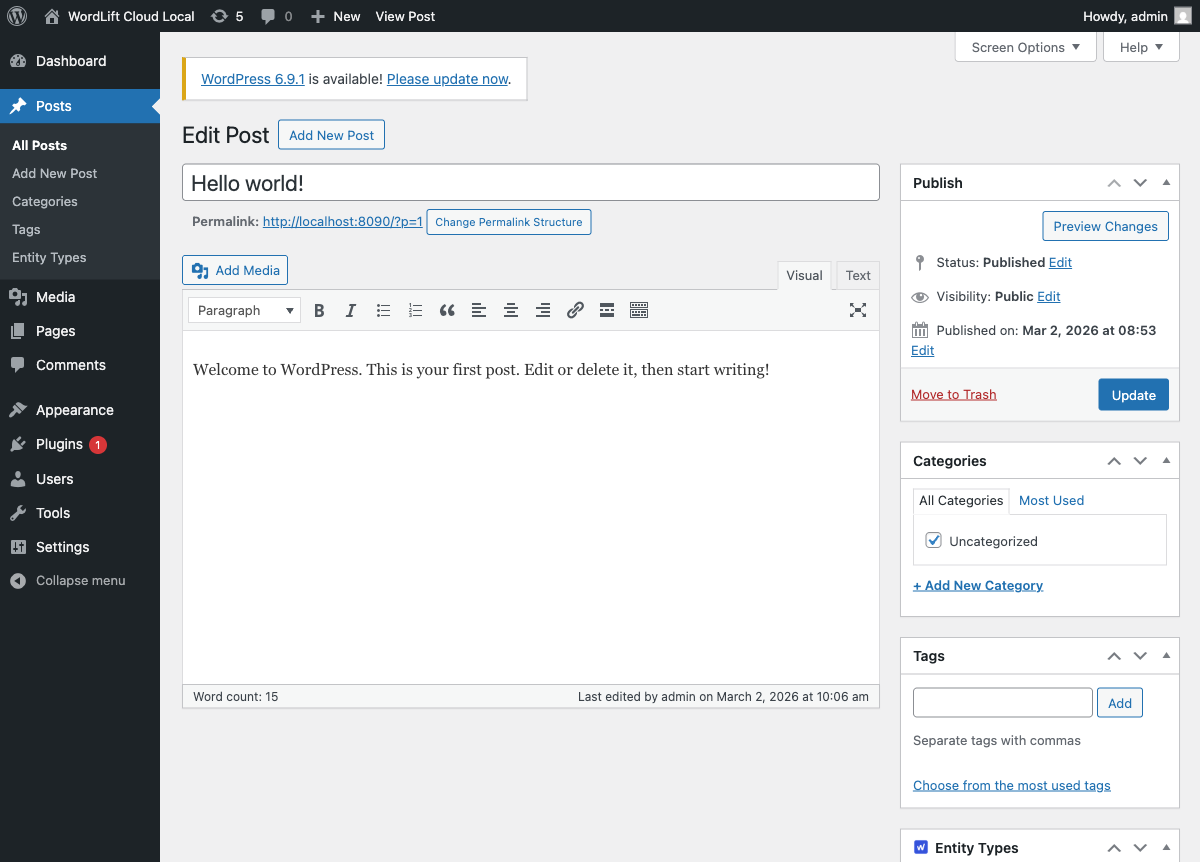
- Open a post or page in the classic editor.
- In the Entity Types metabox, select one or more checkboxes.
- Use the tabs:
- Selected to keep current choices visible.
- All for the hierarchical view.
- Most Used for common types.
- A-Z for a flat alphabetical list.
- Click Update.
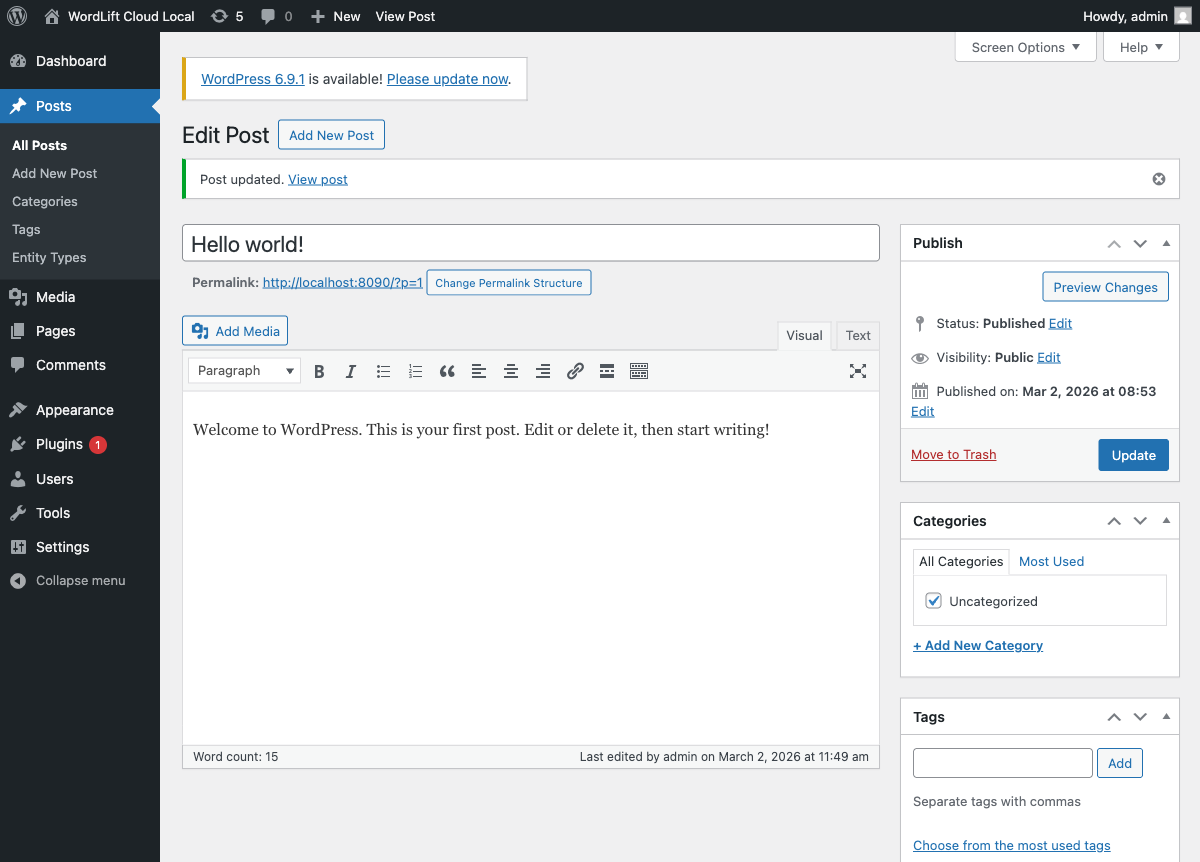
After saving, WordPress confirms the update:
Verify on the front end
On the public page HTML, the plugin outputs one meta entry per selected entity type. Inspect the page source and look for:
<meta name="wl:entity_type" content="about-page" />
If multiple types are selected, multiple wl:entity_type meta tags are rendered.